Pour les auteurs de théâtre
Écrivez ce qui se joue entre vos personnages.
Actes, scènes, répliques et didascalies : organisez la pièce, retrouvez les personnages depuis le texte et conservez les versions entre deux lectures.
- Gratuit pour commencer, et finir
- Premium pour l'illimité
- 50 crédits IA offerts
Le texte, les personnages et les reprises dans le même projet.
Une scène évolue quand elle est lue. Gardez la structure et les intentions à portée de main pour retravailler ce que vous entendez.
Composer
Travaillez la réplique avec le geste qui l’accompagne.
Le nom du personnage, la réplique et la didascalie restent lisibles dans la même scène. Gardez vos intentions dans les notes et reprenez le passage après une lecture à voix haute.
- Un texte mis en forme pour distinguer paroles et indications
- Les intentions de jeu près du texte
- Les états du texte conservés pendant les reprises
Recomposez les actes en déplaçant les scènes.
Écrivez d’abord la confrontation qui vous tient, puis cherchez où elle porte le mieux. Le tableau de scènes et la vue multi-feuilles permettent de relire une entrée, une sortie ou un changement de lieu dans son enchaînement.
- Une structure en actes et scènes
- Des scènes écrites et déplacées librement
- Les passages voisins ouverts ensemble
Reprendre
Gardez la distribution et ses conflits sous les yeux.
Qui connaît le secret, qui le cache, qui attend quelqu’un qui ne viendra pas ? Les fiches et les relations gardent les intentions disponibles, tandis que les mentions retrouvent les passages où vos personnages apparaissent.
- Les personnages, lieux et accessoires dans leurs fiches
- Les alliances et conflits décrits entre personnages
- Retrouver un personnage depuis le texte
Préparez une version à faire lire à la troupe.
Après la lecture, annotez les coupes et les reprises, conservez l’état précédent et préparez un nouvel export. PDF pour la lecture, DOCX pour l’échange : vous choisissez le fichier utile à vos interlocuteurs.
- Revenir à une réplique avant sa réécriture
- Un PDF à transmettre pour la lecture
- Des formats éditables pour les échanges
Faites avancer la pièce entre deux lectures.
Retrouvez la distribution, le plan et les notes à chaque reprise du texte.
- Badges
Les étapes qui comptent
Les badges obtenus rejoignent votre profil. Chaque condition est indiquée avant de commencer.
- Objectifs d'écriture
Un objectif qui suit votre manuscrit
Choisissez un nombre de mots ou de caractères, avec une échéance si vous le souhaitez. La progression se met à jour pendant que vous écrivez.
- Pomodoro d’écriture
Un rendez-vous avec votre texte
Lancez une séance de 1 à 180 minutes. Le compte à rebours reste visible et la séance se poursuit jusqu’à la fin du temps choisi.
- Mode zen
Le texte prend toute la place
Masquez les panneaux latéraux en mode zen. Retrouvez-les à leur place quand vous quittez ce mode.
- Carte mentale
Essayez trois fins sur le même tableau
Posez vos personnages et vos scènes, dessinez des liens, ajoutez des images et barrez vos hypothèses. Le canevas garde votre réflexion telle que vous l’avez laissée.
- Chronologie de l'histoire
Chaque intrigue sur sa ligne du temps
Placez les événements à leur date dans l’histoire, une ligne par intrigue. Un voyage ou un siège s’étire sur toute sa durée, et ce qui précède la première page se place avant le jour zéro.
- Commentaires des lecteurs
Discutez du passage qui fait réagir
Sur vos chapitres publiés, les lecteurs peuvent commenter un paragraphe précis. Répondez dans le fil et épinglez les commentaires que vous souhaitez mettre en avant.
- Export du livre
Votre livre dans le format qu’on vous demande
Word pour l’éditeur, PDF prêt à imprimer, livre numérique pour les liseuses, et un fichier aux dimensions exactes d’Amazon KDP, prêt à mettre en ligne. Le même manuscrit, sans rien remettre en page.
Et tout ce qu’on attend d’un logiciel d’écriture
- Sauvegarde automatique
- Versions à comparer et à restaurer
- Chapitres et scènes réorganisables
- Fiches personnages, lieux, objets
- Détection des répétitions
- Dictionnaire et synonymes
- Notes en marge du texte
- Statistiques d’écriture
- Application installable sur ordinateur, tablette et mobile
- Import d’un manuscrit Word, PDF ou EPUB
Mode sans IA
Vos personnages parlent avec vos mots.
Vous pouvez couper l’IA et continuer à travailler les actes, les scènes, les fiches, les notes et les exports. Les choix de dialogue et de mise en scène restent les vôtres.
Et le filigrane des IA ?
Depuis août 2026, les modèles déposent une marque invisible dans les textes qu'ils produisent, y compris ceux que nous utilisons. Ce que vous tapez vous-même n'est jamais marqué.
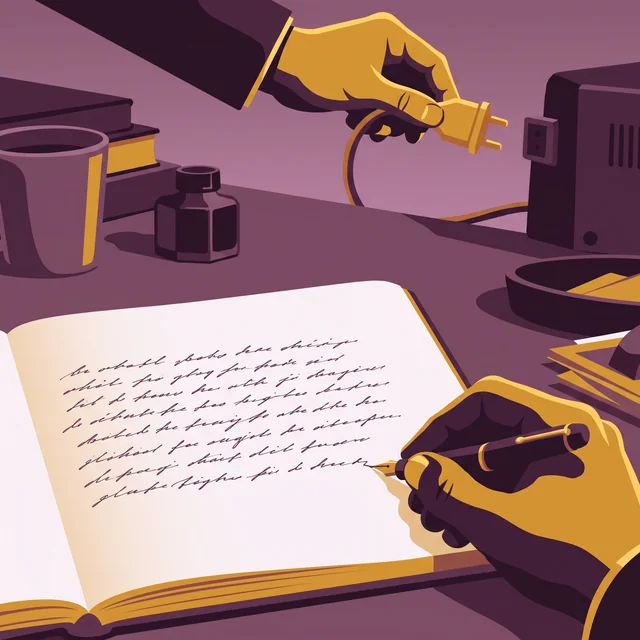

Un certificat « origine humaine » si vous souhaitez attester de l'authenticité de votre livre
Les détecteurs d'IA se trompent trop souvent. Extypis a donc adopté une autre méthode pour attester l'origine humaine de votre roman.
- Chaque signe garde son origine : tapé, collé et depuis quelle application, importé ou écrit par l'IA d'Extypis.
- Le serveur horodate votre temps d'écriture, séance après séance.
- Le rythme de frappe est lu pour repérer une saisie mécanique.
- Vous téléchargez un certificat signé, qu'un éditeur ou un jury vérifie avec son QR code.
Elle referma le carnet et attendit que la pluie cesse. Au loin, les cloches de Saint-Malo sonnaient midi. Elle pensa à son frère, parti depuis trois hivers, et à la lettre qu'il n'avait jamais envoyée. Le port sentait le sel et le goudron.
Commencez votre pièce avec l’offre gratuite.
Comparez les fonctionnalités et les limites de chaque formule ci-dessous.
Ce qui accompagne une pièce jusqu’à sa lecture.
Structure, personnages, notes et versions pour travailler la même scène jusqu’à ce qu’elle sonne juste.
Organiser les actes et les scènes.
La distribution et les scènes restent accessibles pendant la rédaction.
Une aide à la réécriture, si vous la demandez.
Choisissez le passage à retravailler et gardez la formulation qui vous convient.
Estimations si vous n'utilisez que cette fonction. Les crédits sont partagés entre tous les outils IA.
Retrouver ses notes et ses versions.
Écrivez au calme et retrouvez les versions précédentes du texte.
Relire les présences et les répétitions.
Retrouvez les passages des personnages et les mots à reprendre.
Transmettre la pièce pour une lecture.
Préparez une version PDF ou éditable pour les personnes qui liront la pièce.
Choisir où travailler votre pièce.
Comparez l’organisation des scènes, les versions et les exports avec les outils habituels de rédaction.
Extypis
Le nouveau
Gratuit, puis abonnement
WriteControl
Le cousin d'à côté
Gratuit, puis 12,90 € par mois
Qu'est-ce que je paie pour finir un livre ?
Extypis
Gratuit, puis abonnementWriteControl
Rien avec l'export Word ; 12,90 € par mois pour le PDF, l'ePub et le correcteurPuis-je voir tout mon récit sur un tableau, scène par scène ?
Extypis
Oui : chaque scène est une carte, avec son résumé, que vous déplacez à la sourisWriteControl
Oui : le mode tuile montre les parties en blocs, que vous intervertissezSi je nomme un personnage, le logiciel le reconnaît-il ?
Extypis
Oui : il le reconnaît même sous un surnom, sans que vous marquiez quoi que ce soitWriteControl
Non : vous remplissez les fiches ; le repérage automatique demande le Premium et passe par l'IAPuis-je relier mes fiches et voir la carte de mon univers ?
Extypis
Oui : vous écrivez vous-même la nature du lien, et la carte montre tout le réseauWriteControl
Oui, sur la carte mentale, qui demande le PremiumPuis-je publier ici, et y être lu ?
Extypis
Oui : votre livre a sa page de lecture, et vos lecteurs peuvent y répondreWriteControl
Non : les échanges ont lieu sur Facebook et Discord, hors du logicielEst-ce long à prendre en main ?
Extypis
Non : un compte, et vous écrivezWriteControl
Non : un compte, un tutoriel intégré, et vous écrivezL'IA écrit-elle à ma place ?
Extypis
Non : elle se tait tant que vous ne l'appelez pas ; un réglage la coupeWriteControl
Sur demande, en Premium seulement, à crédits mensuels ; aucun réglage pour la couperPuis-je écrire dans le train, sans réseau ?
Extypis
Oui si l'onglet est déjà ouvert : le texte attend sur place le retour du réseauWriteControl
Oui, et l'application s'ouvre même sans connexionÀ la fin, je récupère mon livre sous quelle forme ?
Extypis
PDF mis en page, DOCX et EPUB, dès la version gratuiteWriteControl
Word gratuit ; PDF imprimeur et ePub en PremiumEst-ce à moi une fois payé ?
Extypis
NonWriteControl
Non
Il écrit entièrement hors connexion, et s'ouvre même sans réseau. Chez nous, un onglet déjà ouvert garde votre texte jusqu'au retour de la connexion, mais rien ne s'ouvre sans elle.
Tarifs et fonctions relevés le 10 septembre 2026 sur les sites, les FAQ et les manuels des éditeurs. Les manches perdues restent au tableau et le score les compte.
Avant la première scène
Puis-je organiser une pièce en actes et scènes ?
Oui. Le projet Théâtre utilise ce vocabulaire dans l’arborescence. Vous pouvez déplacer les scènes et ouvrir plusieurs passages ensemble.
Comment garder les retours d’une lecture ?
Ajoutez des notes aux passages concernés et conservez une version avant de réécrire. Vous pouvez ainsi retrouver le texte d’avant les coupes.
Puis-je retrouver les scènes d’un personnage ?
Les fiches et les mentions relient les personnages aux passages du texte. Elles aident à relire leurs apparitions et leurs relations.
Quels fichiers transmettre pour une lecture ?
Exportez en PDF pour la lecture ou en DOCX pour échanger une version éditable. Vérifiez la mise en page dans l’aperçu final avant l’envoi.
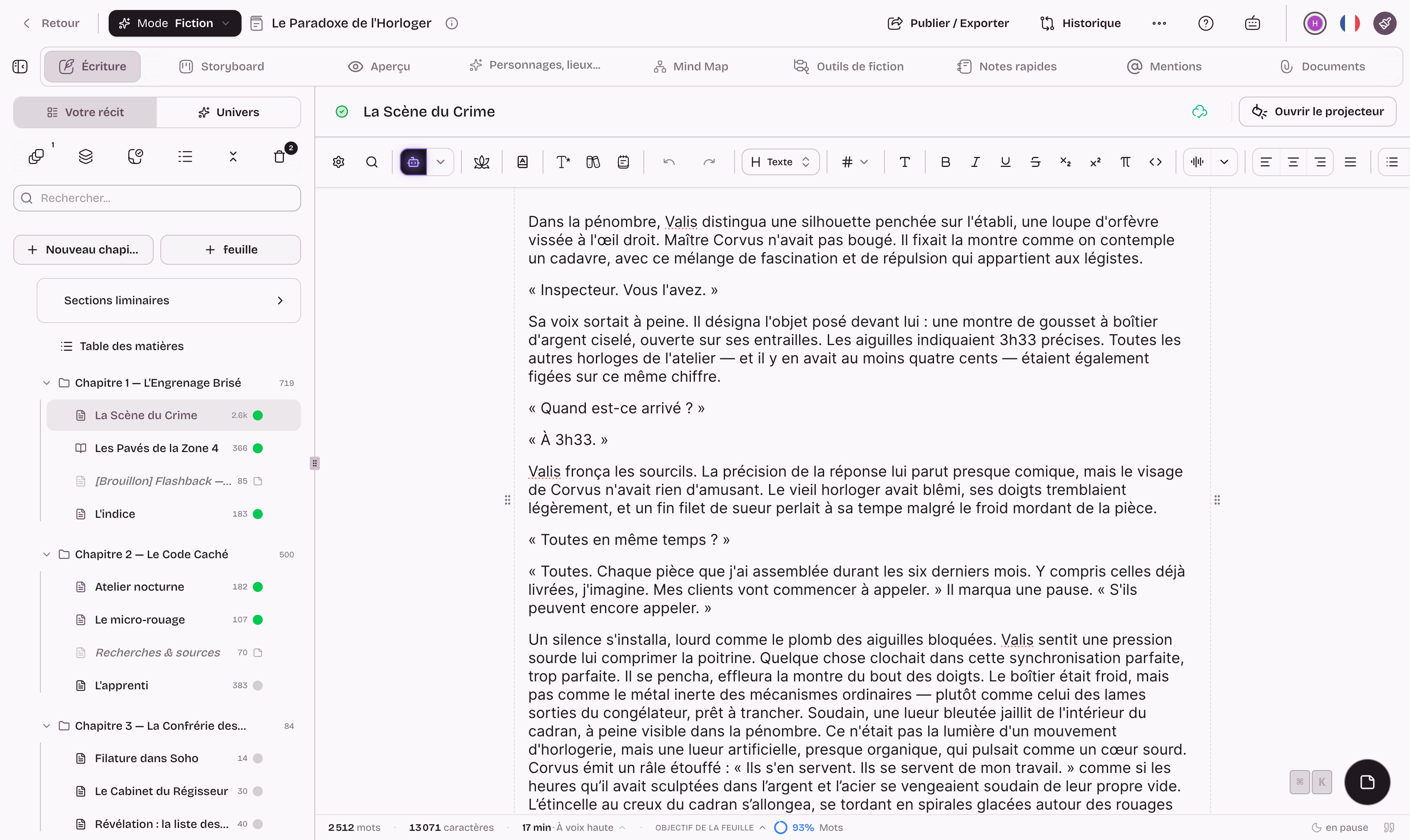
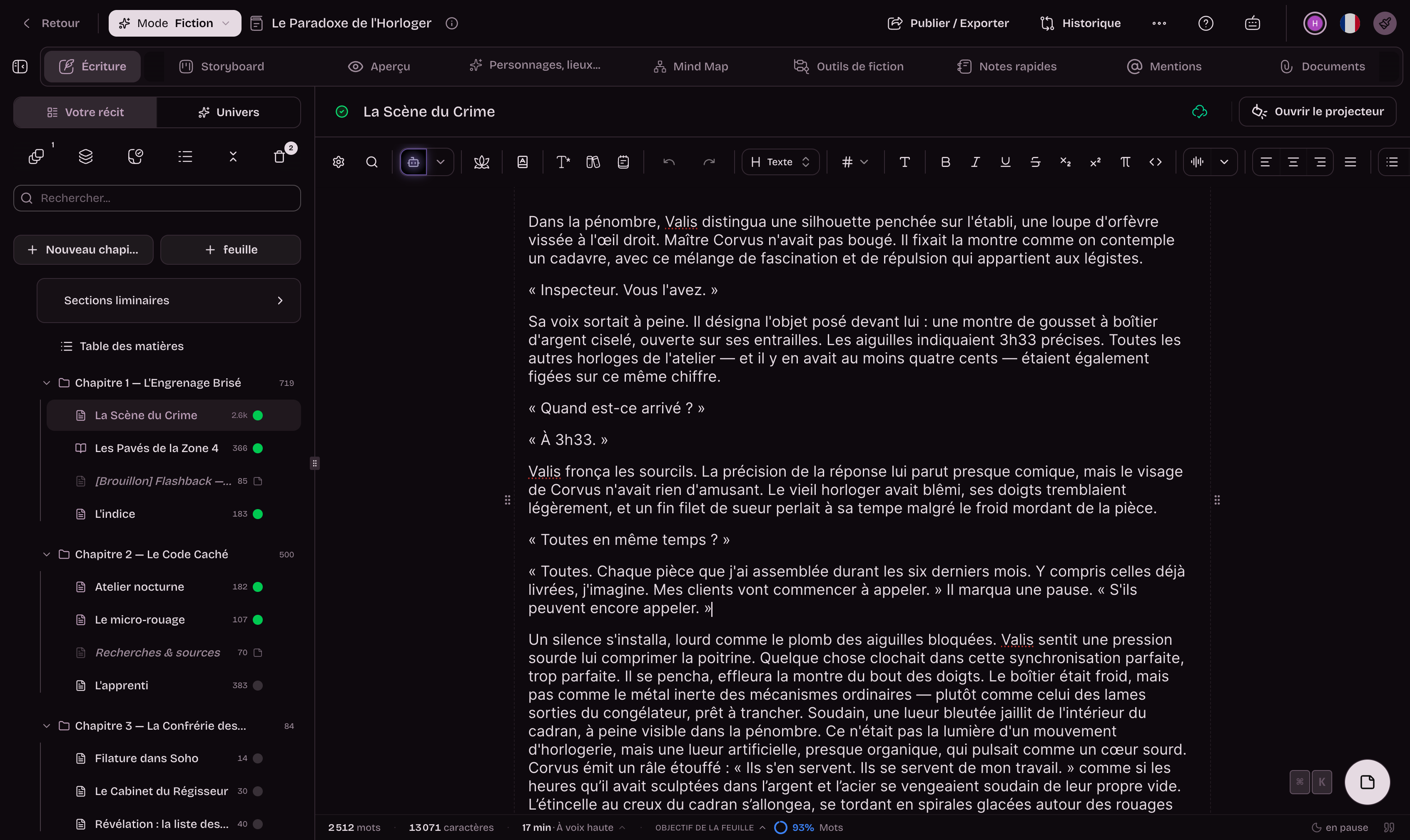
Faites entrer le premier personnage.
Créez un projet Théâtre et commencez par la scène qui vous appelle.
Pour aller plus loin
Les pages du studio qui prolongent ce sujet.
- Didascalies : écrire une pièce de théâtre
- Le Voyage du Héros, étape par étape
- La structure en trois actes
- Logiciel d'écriture de scénario
- Tous les guides d'écriture
- L'application d'écriture gratuite
Et pour tenir le projet entier : Le logiciel pour écrire un livre