For academics
The library as a social space
The ordinary uses of a library cannot be reduced to consulting its collections. They organise a discreet form of co-presence1.
Public space is also defined by the uses it makes possible (Joseph, 1998, p. 42).
- Free to start, and to finish
- Go unlimited with Premium
- 50 free AI credits
Keep sources, notes and argument inside the same thesis.
Extypis connects the thesis, its research library and its citations. A source remains traceable from the first note to the final bibliography.
Research
Gather a corpus without scattering the reading.
Books, articles, web pages and reading notes live in a searchable research library, alongside the text they support.
- Search and add a book without retyping its metadata
- Classify sources by theme, status and chapter
- Reopen a reading note without leaving the draft
Attach the precision exactly where it matters.
Footnotes stay anchored to the passage, renumber themselves and survive chapter moves and exports.
- Footnotes inserted, renumbered and exported automatically
- A citation connected to its full reference
- Every rewrite remains recoverable
Demonstrate
Move a chapter without breaking the reasoning.
The outline, sections and source notes keep the architecture of the thesis visible while it changes.
- A hierarchy made for long-form thought
- Compare two chapters or notes side by side
- Spot connectors and argumentative transitions
Let the bibliography grow from the citations.
APA, MLA or Chicago formatting follows the chosen style. The final list comes from references actually cited in the work.
- Formatted citations tied to the source library
- A clean PDF for submission or reading
- DOCX, PDF and editable formats from one manuscript
Search, connect, demonstrate, then submit.
Every stage of the thesis remains connected to the same body of sources.
- Badges
Milestones worth keeping
Earned badges join your profile. Each requirement is listed before you start.
- Writing goals
Writing goals
Set targets in words, pages or time and track your progress.
- Writing Pomodoro
Writing Pomodoro
Choose 1 to 180 minutes of zen writing, with no early cancellation.
- Zen mode
Zen mode
Hide secondary UI and keep only the writing surface.
- Mind map
Mind map
A free canvas for your hypotheses, your sketches and your notes, cards and chapters side by side.
- Story timeline
Story timeline
Every plotline on its own lane, every event at its date in the story.
- Reader comments
Reader comments
Let your readers comment and react to your published chapters.
- Book export
Your book in the format you are asked for
Word for your publisher, print-ready PDF, an e-book for e-readers, and a file at Amazon KDP’s exact dimensions, ready to upload. One manuscript, no re-formatting.
And everything you expect from writing software
- Autosave
- Versions to compare and restore
- Chapters and scenes you can reorder
- Character, place and object cards
- Repetition detection
- Dictionary and thesaurus
- Notes in the margin
- Writing statistics
- Installable on desktop, tablet and phone
- Import a Word, PDF or EPUB manuscript
Working without AI
Research tools do not depend on a model.
Disable every AI feature: the research library, footnotes, citations, bibliography, outline, versions and exports remain fully available.
What happens to my research?
In no-AI mode, no draft or source is sent to a model. Your corpus follows only Extypis’s ordinary save and export flow.
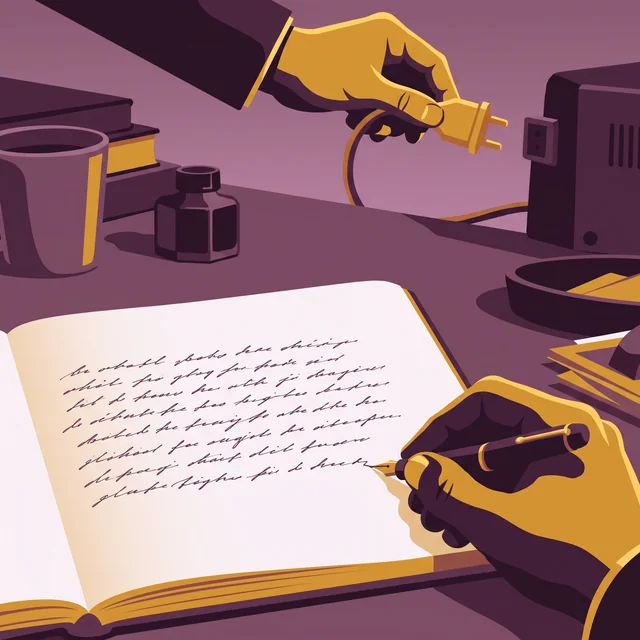

A “human origin” certificate if you want to attest that your book is authentic
AI detectors get it wrong too often. So Extypis uses another method to attest the human origin of your novel.
- Every character keeps its origin: typed, pasted and from which application, imported or written by Extypis' AI.
- The server timestamps your writing time, session after session.
- Your typing rhythm is read to spot mechanical input.
- You download a signed certificate, which a publisher or a jury checks with its QR code.
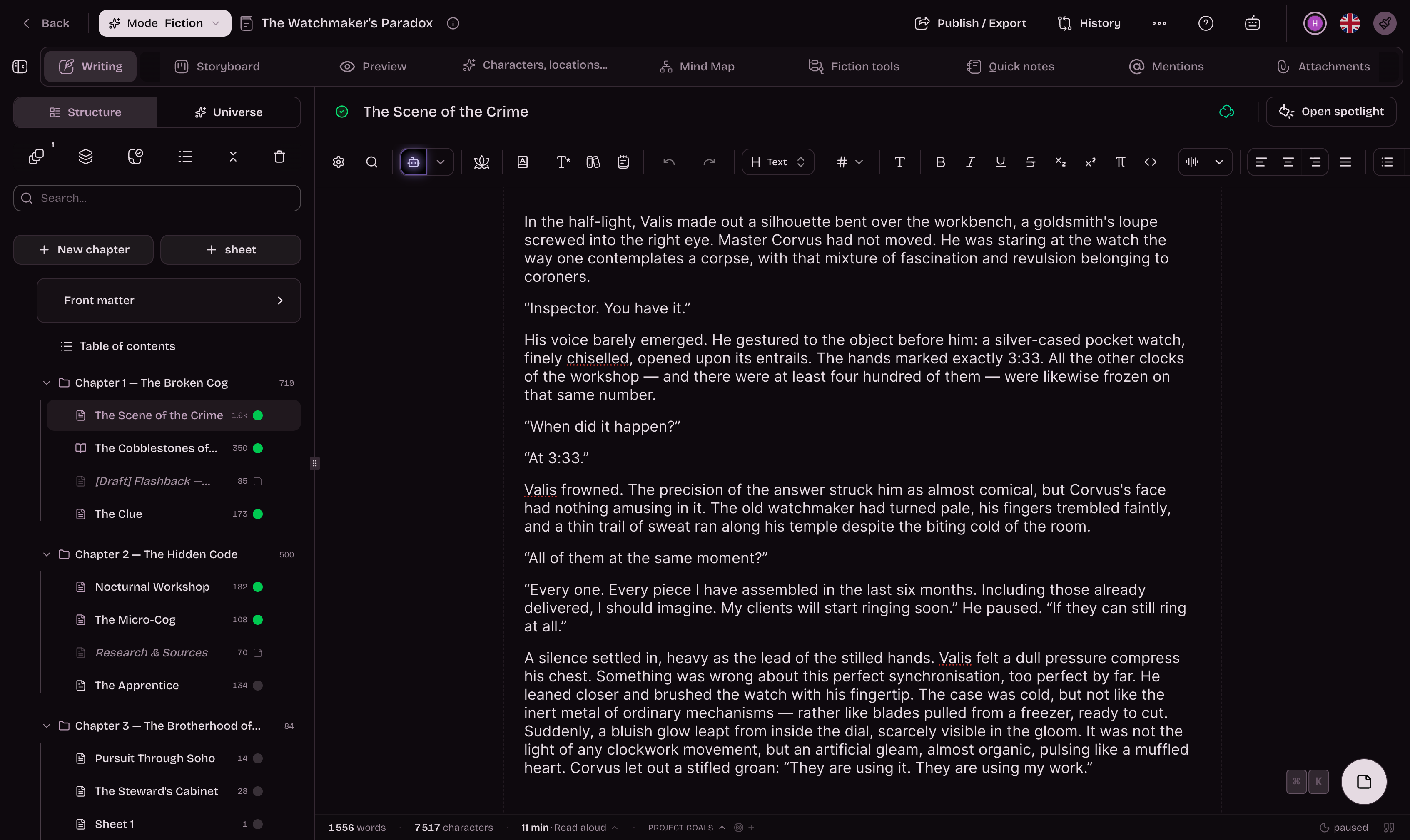
She closed the notebook and waited for the rain to stop. Far off, the bells of Saint-Malo were striking noon. She thought of her brother, gone three winters now, and of the letter he had never sent. The harbour smelled of salt and tar.
Free to begin, even to finish. Serious when the thesis grows long.
Structure, citation and drafting start without friction. Paid plans mainly extend AI credits, advanced analysis and the depth of use as the thesis becomes more demanding.
What you actually open to write a thesis.
Formatted citations, footnotes, book search, exports a committee will accept: what a long, sourced piece of work leans on, from first outline to submission.
Give a long argument a visible architecture.
Parts, chapters, source notes and parallel views keep the whole work readable.
Interrogate the work without surrendering the thesis.
Optional AI reads the project context; no-AI mode leaves the research workflow intact.
Estimates if you only use this feature. Credits are shared across every AI tool.
Keep reading and writing in the same movement.
Research library, notes, versions and multi-sheet views reduce context switching.
Check the demonstration before submission.
Connectors, readability and source links expose weak transitions before the final read.
Submit the text with its scholarly apparatus.
Footnotes, bibliography and page layout travel together into PDF and editable formats.
Extypis against the two common arrangements.
A word processor is immediate; a stack of specialised tools can go deeper. The comparison shows what changes when writing and research share one workspace.
Extypis
The connected manuscript
Free, then subscription
Word processor
The isolated page
Depends on the software
Are sources connected to the text?
Extypis
YesWord processor
Usually in another fileDo citations build the bibliography?
Extypis
YesWord processor
Not without an extensionCan I begin without an account?
Extypis
NoWord processor
Yes, locally
For a short unsourced document, a word processor remains the fastest blank page.
Capabilities vary by software and configuration; this comparison describes common workflows.
The questions academics usually ask before stepping in.
Does Extypis really handle APA, MLA and Chicago citations?
Yes. You insert a citation in one click, choose the style, and the dedicated Tiptap extension formats the reference and feeds the bibliography automatically at the end of the document.
Does Extypis AI really know my thesis?
Yes. On every generation, it relies on your outline, your written chapters and your sources. Where a generic AI starts from scratch on every prompt, Extypis keeps full memory of the corpus so that suggestions stay coherent from introduction to conclusion.
Can I export to PDF via LaTeX?
Yes. PDF export goes through a server-side LaTeX compilation, which guarantees clean academic typography, numbered footnotes and a formatted bibliography.
What about footnotes?
The Tiptap editor includes a footnotes extension: automatic numbering, anchoring in the text, clean export across all formats (PDF, DOCX, EPUB, HTML).
Is the AI the same for free and subscribed users?
No, and that goes for both text and image. On editorial-sensitive tasks (long rewrites, cross-chapter consistency check, pitch, AI assistant), a subscription automatically switches the AI cascade to Claude Sonnet 4.6, the strongest model on French prose. Free users stay on Mistral, Llama, Cerebras and Gemini: very fast and excellent for drafting, more modest on finishing and long-form consistency. For image generation (covers), free users get Flux schnell (fast, standard quality) while subscribers access Flux 1.1 Pro and DALL-E 3 (editorial quality, careful typography and better photorealistic rendering).
Are my texts used to train an AI?
No. Your texts are never sent to the models for training. None of the AI providers used by Extypis (Anthropic, OpenAI, Mistral, Groq, Gemini) has access to your content outside of the punctual API call required for the requested generation. The APIs are configured without training opt-in, and no data is retained on Extypis' side beyond what is strictly required to run the product.
Can I work with co-authors on a thesis?
Yes for exports and version sharing. Truly real-time collaborative editing is part of the upcoming roadmap.
Can I write my thesis without any AI involvement?
Yes. The strict AI-free mode entirely removes AI tools from the interface — useful for institutions that forbid generative AI in academic writing, or to be able to certify that your manuscript never passed through a model. You keep the bibliography, APA/MLA/Chicago citations, and LaTeX and Word exports. Details of the AI-free mode.
Is this only for academics?
No, but Extypis is particularly strong for thesis, dissertation and paper work: bibliographic citations, footnotes, contextual AI, argumentative analysis and academic-grade exports.
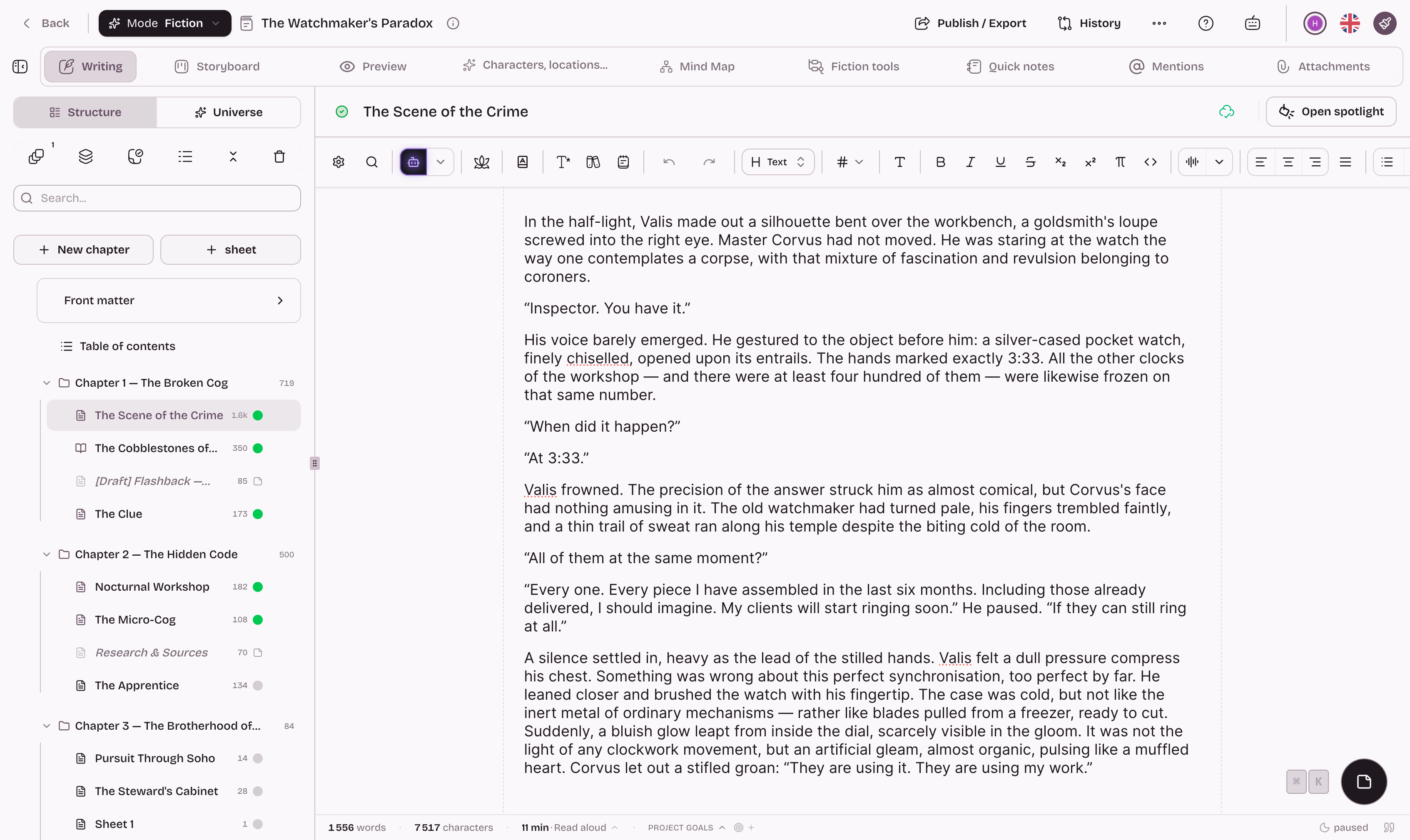
Your thesis deserves better than a 300-page Word doc and a drifting Zotero.
Start with structure and sources, add AI where it genuinely helps, and keep the whole project inside a workspace that holds once the thesis becomes large.
Going further
The pages of the studio that carry this subject on.
- Word and character counter
- Export your manuscript to PDF
- The writing glossary
- All the writing guides
- Writing an essay
- The free writing app
And to hold the whole project: The software to write a book