For playwrights
Write what happens between your characters.
Acts, scenes, dialogue and stage directions: organise the play, find characters from the text and keep drafts between readings.
- Free to start, and to finish
- Go unlimited with Premium
- 50 free AI credits
Text, characters and revisions in one project.
A scene changes when it is read aloud. Keep the structure and intentions within reach as you revise what you hear.
Compose
Work on the line with the gesture beside it.
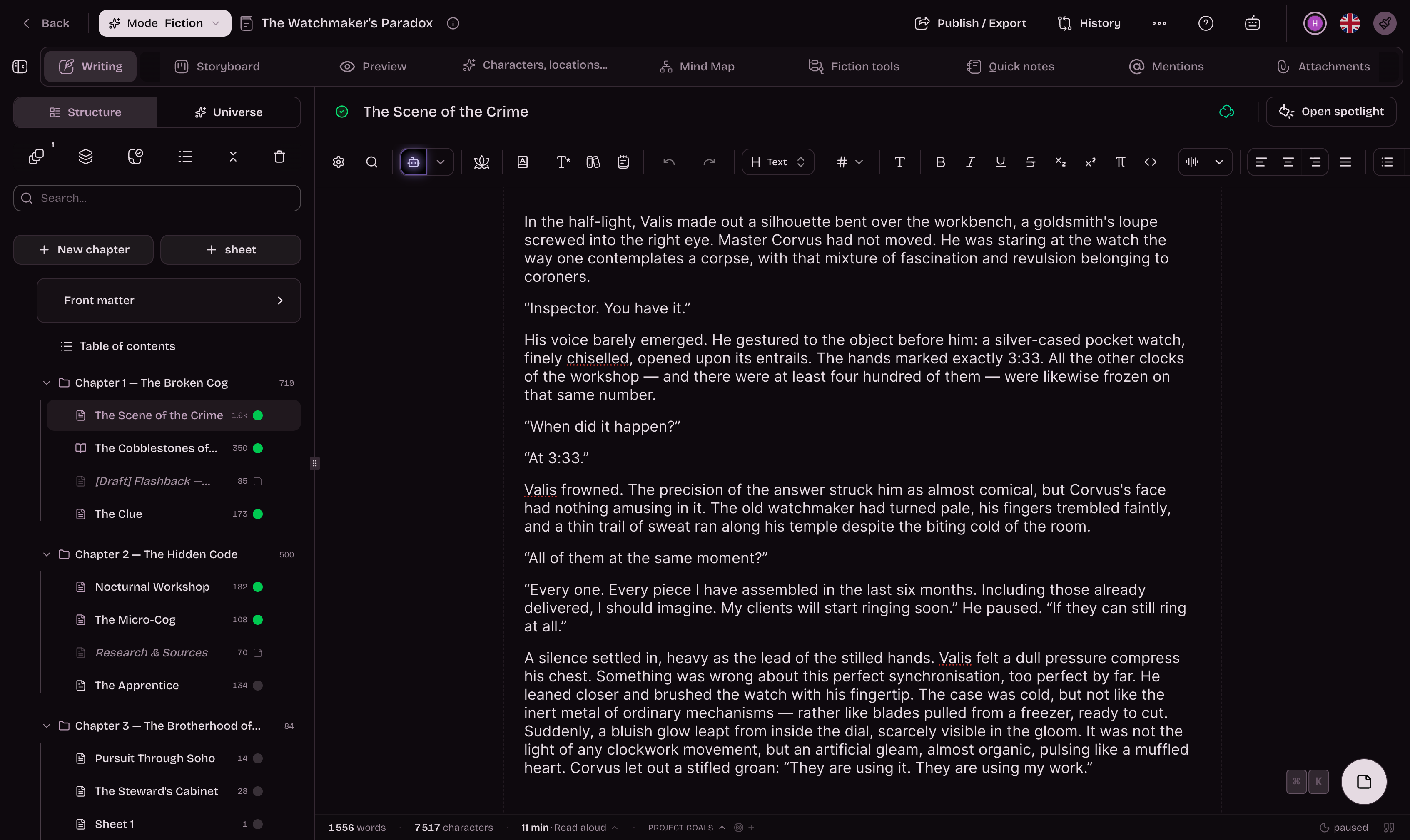
Character names, lines and stage directions stay readable within the same scene. Keep intentions in notes and return to the passage after reading it aloud.
- Formatting that distinguishes speech from directions
- Performance notes close to the text
- Versions kept through revisions
Reshape the acts by moving the scenes.
Write the confrontation that has your attention, then find where it belongs. The scene board and multi-sheet view help you reread an entrance, an exit or a change of setting in context.
- An outline of acts and scenes
- Scenes written and moved freely
- Neighbouring passages open together
Revise
Keep the cast and its conflicts in view.
Who knows the secret, who hides it, who is waiting for someone who will never arrive? Sheets and relationships keep intentions available, while mentions find the passages where characters appear.
- Characters, settings and props in their own sheets
- Alliances and conflicts recorded between characters
- Find a character from the text
Prepare a version for the cast to read.
After a reading, note cuts and revisions, keep the previous draft and prepare a new export. PDF for reading, DOCX for exchange: choose the file your collaborators need.
- Recover a line from before its rewrite
- A PDF to share for a reading
- Editable formats for exchanging drafts
Move the play forward between readings.
Return to the cast, outline and notes with every revision.
- Badges
Milestones worth keeping
Earned badges join your profile. Each requirement is listed before you start.
- Writing goals
Writing goals
Set targets in words, pages or time and track your progress.
- Writing Pomodoro
Writing Pomodoro
Choose 1 to 180 minutes of zen writing, with no early cancellation.
- Zen mode
Zen mode
Hide secondary UI and keep only the writing surface.
- Mind map
Mind map
A free canvas for your hypotheses, your sketches and your notes, cards and chapters side by side.
- Story timeline
Story timeline
Every plotline on its own lane, every event at its date in the story.
- Reader comments
Reader comments
Let your readers comment and react to your published chapters.
- Book export
Your book in the format you are asked for
Word for your publisher, print-ready PDF, an e-book for e-readers, and a file at Amazon KDP’s exact dimensions, ready to upload. One manuscript, no re-formatting.
And everything you expect from writing software
- Autosave
- Versions to compare and restore
- Chapters and scenes you can reorder
- Character, place and object cards
- Repetition detection
- Dictionary and thesaurus
- Notes in the margin
- Writing statistics
- Installable on desktop, tablet and phone
- Import a Word, PDF or EPUB manuscript
AI-free mode
Your characters speak in your words.
Switch off AI and keep working with acts, scenes, sheets, notes and exports. Dialogue and staging choices remain yours.
What about AI watermarks?
Since August 2026, AI models have embedded an invisible watermark in the text they generate, including the models we use. Anything you write yourself is never watermarked.
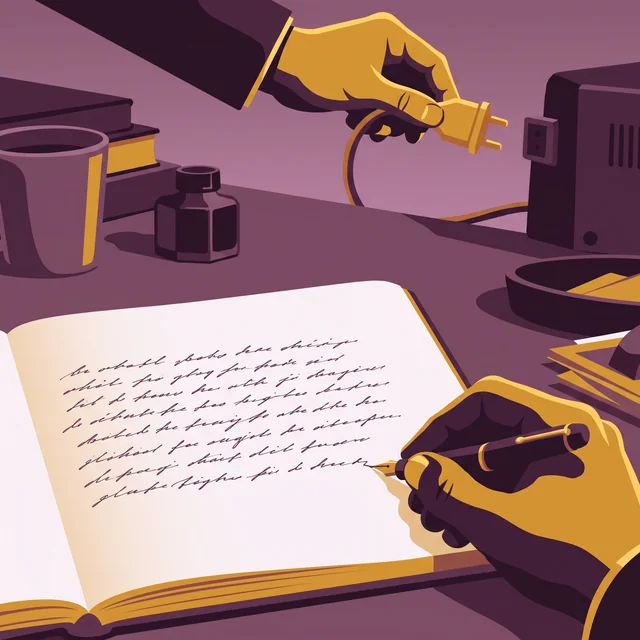

A “human origin” certificate if you want to attest that your book is authentic
AI detectors get it wrong too often. So Extypis uses another method to attest the human origin of your novel.
- Every character keeps its origin: typed, pasted and from which application, imported or written by Extypis' AI.
- The server timestamps your writing time, session after session.
- Your typing rhythm is read to spot mechanical input.
- You download a signed certificate, which a publisher or a jury checks with its QR code.
She closed the notebook and waited for the rain to stop. Far off, the bells of Saint-Malo were striking noon. She thought of her brother, gone three winters now, and of the letter he had never sent. The harbour smelled of salt and tar.
Start your play with the free plan.
Compare each plan’s features and limits below.
What takes a play through to its reading.
Structure, characters, notes and versions to work on a scene until it sounds right.
Organise acts and scenes.
The cast and scenes remain within reach as you write.
Help with rewriting when you ask for it.
Choose a passage to rework and keep the wording that fits.
Estimates if you only use this feature. Credits are shared across every AI tool.
Find your notes and versions.
Write without distractions and return to earlier versions of the text.
Review appearances and repetitions.
Find character appearances and words to reconsider.
Share the play for a reading.
Prepare a PDF or editable version for the people reading the play.
Choose where to work on your play.
Compare scene organisation, versions and exports with familiar writing tools.
Extypis
The newcomer
Free, with a paid subscription available
WriteControl
The neighbor
Free, then €12.90 per month
What does it cost to finish a book?
Extypis
Free, with a paid subscription availableWriteControl
Free with Word export; €12.90 per month for PDF, EPUB and proofreadingCan I see my whole story on a board, scene by scene?
Extypis
Yes: each scene has a card with a summary, and you can drag cards to rearrange themWriteControl
Yes: tile view displays sections as blocks you can rearrangeDoes the app recognize a character when I type their name?
Extypis
Yes: it recognizes names and nicknames automatically, with no manual taggingWriteControl
No: you fill in profiles yourself; automatic detection uses AI and requires PremiumCan I connect my profiles and map my story world?
Extypis
Yes: you define each relationship, and the map shows the full networkWriteControl
Yes, on the mind map, which requires PremiumCan I publish my book here and share it with readers?
Extypis
Yes: your book gets its own reading page where readers can leave commentsWriteControl
No: community discussions take place on Facebook and Discord, outside the appDoes it take long to get started?
Extypis
No: create an account and start writingWriteControl
No: create an account, follow the built-in tutorial and start writingWill AI do the writing for me?
Extypis
No: it stays quiet until you ask, and you can switch it off entirelyWriteControl
On request, with monthly credits on Premium only; there is no setting to turn it offCan I write on the train without an internet connection?
Extypis
Yes, if the tab is already open: your text stays in the browser until you're back onlineWriteControl
Yes, and you can open the app offline tooWhich formats can I export my finished book in?
Extypis
Formatted PDF, DOCX and EPUB, all included in the free planWriteControl
Word on the free plan; print-ready PDF and EPUB with PremiumDo I own the software once I pay for it?
Extypis
NoWriteControl
No
You can write fully offline in WriteControl, even open it without a connection. With Extypis, a tab you've already opened keeps your text until you're back online, but you need a connection to open the app.
Prices and features checked on September 10, 2026, using the vendors' websites, FAQs and manuals. Every round we lose stays on the board and counts toward the score.
Before the first scene
Can I organise a play into acts and scenes?
Yes. Theatre projects use that vocabulary in the outline. Move scenes and open several passages together.
How do I keep feedback from a reading?
Add notes to the relevant passages and keep a version before rewriting. You can recover the text from before the cuts.
Can I find a character’s scenes?
Sheets and mentions connect characters to passages in the text, helping you review appearances and relationships.
Which files can I share for a reading?
Export PDF for reading or DOCX for an editable draft. Check the layout in the final preview before sending.
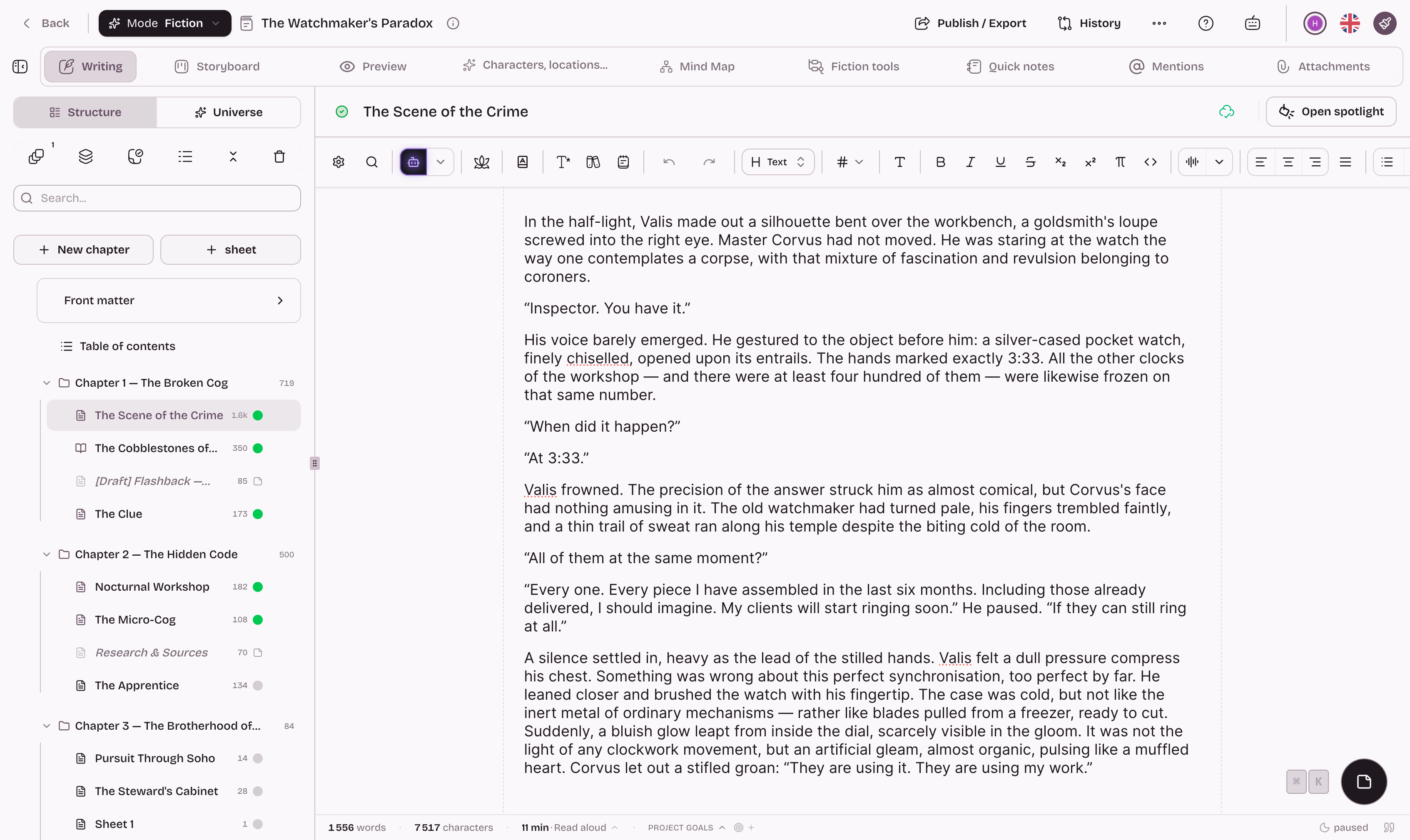
Bring the first character onstage.
Create a Theatre project and begin with the scene on your mind.
Going further
The pages of the studio that carry this subject on.
- How to write a play, stage directions included
- The Hero's Journey, stage by stage
- The three-act structure
- Screenwriting software
- All the writing guides
- The free writing app
And to hold the whole project: The software to write a book