Writing software for romance
Write your romance and follow how the couple changes, scene by scene.
Meetings, setbacks and moments of closeness go on the scene board and link to the beats of your outline. Profiles keep what each character wants and hides, and a series brings the same characters into several novels.
- Free to start
- Go unlimited with Premium
- 50 free Extybot credits
Write on the pages of your book
Three tools to set the pace of a love story.
The order of the scenes, what your characters feel, and rereading the moments that matter.


Put every stage of the relationship on the scene board.
Scene cards carry a summary and tags, and you move them by hand. The narrative outline (three acts, Save the Cat or the hero's journey) links your chapters to the main beats of the story. Example: The bookshop in the rain · A forgotten book · The first coffee
How do you arrange the stages of the relationship?
- Scene Board
- Structured narrative plan
- Non-linear writing


Note in each profile what the character wants, fears and hides.
Add your own fields, such as the wound, the desire or the secret, and describe the link between the two characters, including what it still hides from the reader. Every mention of their name in the text opens their profile. Example: The unsent letter · The interrupted dinner · The misunderstanding
How do you link characters to their scenes?
- Narrative element profiles
- Story world map
- Narrative-elements radar


Reuse your characters from one novel to the next.
A series shares profiles between books: the couple from book 1 stays the same when they return in book 3. To reread, show several scenes one after another, then keep or undo each change in revision mode. Example: Camille leaves · The overdue conversation · Back to the bookshop
How do you reuse your couples and reread their scenes?
- Series: one universe shared across volumes
- Multi-sheet writing
- Revision mode
- Badges
Milestones worth keeping
Earned badges join your profile. Each requirement is listed before you start.
- Writing goals
Writing goals
Set targets in words, pages or time and track your progress.
- Writing Pomodoro
Writing Pomodoro
Choose 1 to 180 minutes of zen writing, with no early cancellation.
- Zen mode
Zen mode
Hide secondary UI and keep only the writing surface.
- Story world map
Story world map
Lay out your profiles on a free table, connect them with a line and keep your hypotheses aside.
- Story timeline
Story timeline
Every plotline on its own lane, every event at its date in the story.
- Reader comments
Reader comments
Let your readers comment and react to your published chapters.
- Book export
Your book in the format you are asked for
Word for your publisher, print-ready PDF, an e-book for e-readers, and a file at Amazon KDP’s exact dimensions, ready to upload. One manuscript, no re-formatting.



























And everything you expect from writing software
- Autosave
- Versions to compare and restore
- Chapters and scenes you can reorder
- Character, place and object cards
- Repetition detection
- Dictionary and thesaurus
- Notes in the margin
- Writing statistics
- Installable on desktop, tablet and phone
- Import a Word, PDF or EPUB manuscript

Written by several hands
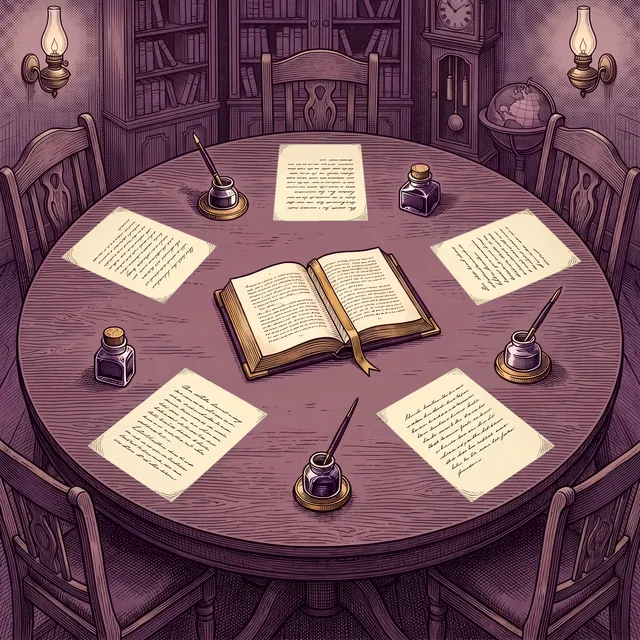
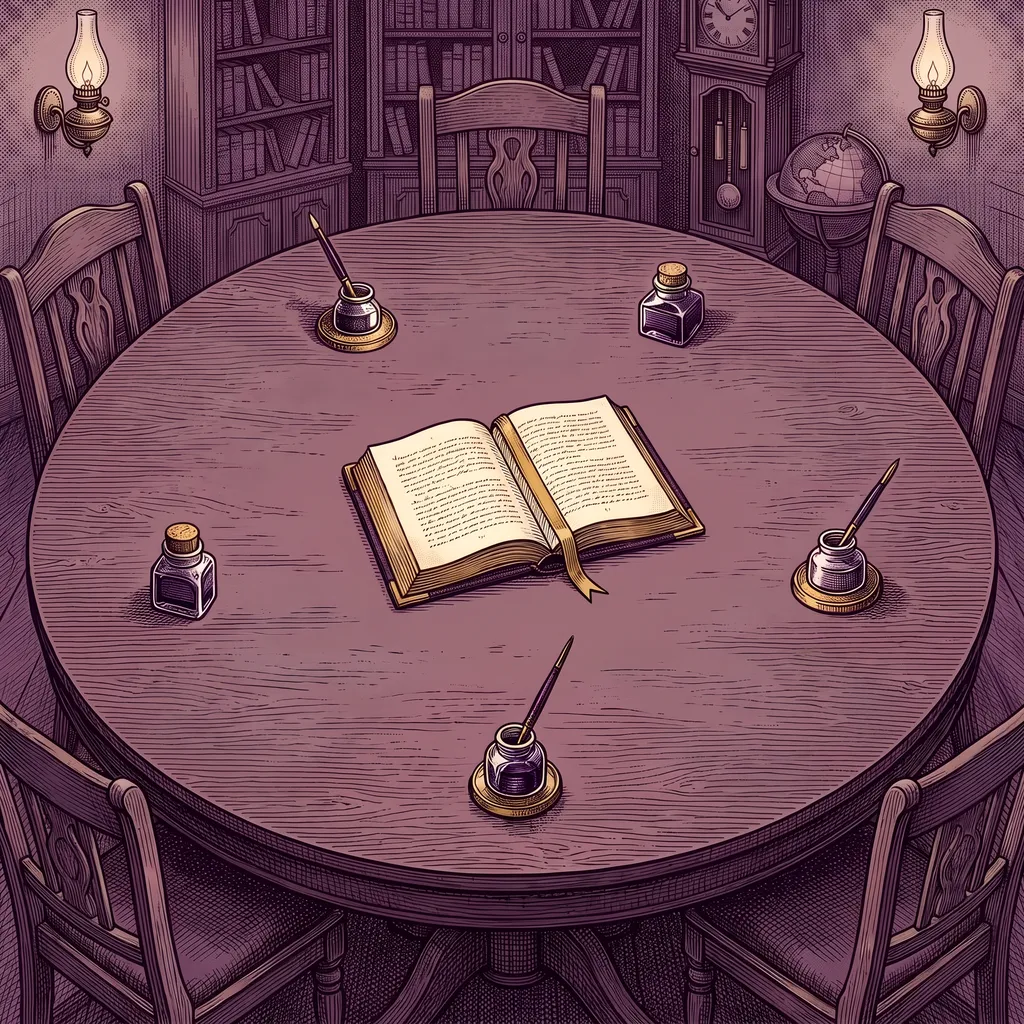
Write your book with one co-author, or four, in the same pages.
Invite a co-author by email. You write in the same scene at the same time, each of you sees the other's cursor with their name, and profiles, the outline and the scene board update for everyone without reloading the page. It's free.
- A role for each person: reader, commenter or editor, changed whenever you like.
- Suggestions you approve: a commenter proposes changes, and you accept or decline them.
- Who did what: the book's log keeps every change and lets you undo it, and a chat brings the co-authors together.
AI-free mode
Switch AI on. Switch it off whenever you like.
One switch removes every trace of AI: every button, every suggestion, every mention. You still have the full writing studio, with its outlining tools, scene board, profiles and exports. Some writers have to follow rules on original authorship; others simply prefer to write without AI. Either way, Extypis has made room for you. It even costs less.
What about AI watermarks?
Since August 2026, AI models have embedded an invisible watermark in the text they generate, including the models Extypis uses. Anything you write yourself is never watermarked.
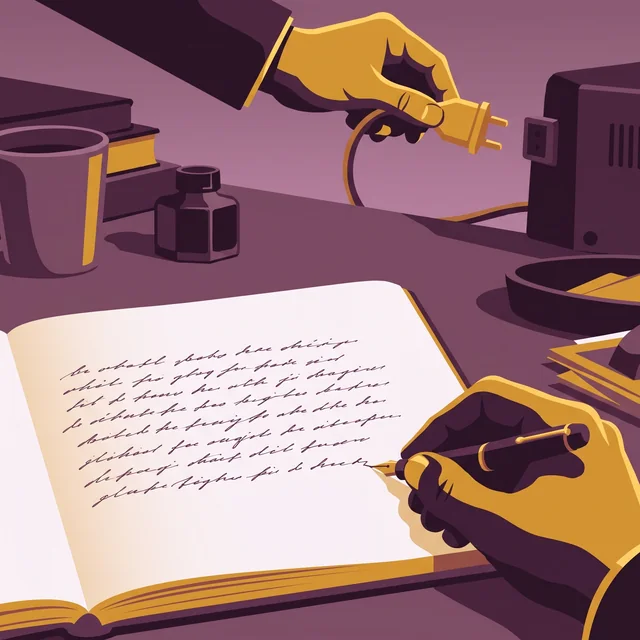



A “human origin” certificate if you want to attest that your book is authentic
AI detectors get it wrong too often. So Extypis uses another method to attest the human origin of your novel.
- Every character keeps its origin: typed, pasted and from which application, imported or written by Extybot (Extypis AI).
- The server timestamps your writing time, session after session.
- Your typing rhythm is read to spot mechanical input.
- You download a signed certificate, which a publisher or a jury checks with its QR code.
She closed the notebook and waited for the rain to stop. Far off, the bells of Saint-Malo were striking noon. She thought of her brother, gone three winters now, and of the letter he had never sent. The harbor smelled of salt and tar.
Write your book on the free plan.
Every stage, from outline to export, is available without a subscription, within volume limits. A subscription lifts those limits when the book or the number of projects grows.
The tools Extypis puts on your desk
The order of the scenes, what your characters feel, and rereading the moments that matter.
Hold your story, from outline to final page.
Narrative tools you won't find elsewhere — turn a tangle of ideas into a structure that holds.
Daily writing comfort
Everything that makes long-form writing sustainable: shortcuts, templates, anchored notes, versions, goals.
Extybot, the AI assistant that reads your project context
Outline, profiles and the scenes you have written: Extybot uses them to stay true to your book when it rewrites, continues, summarizes or draws a cover. Every suggestion waits for your approval.
Analyze and refine your prose
Proofreading, readability, repetitions, connectives, passive voice, emotions and versification: each flagged passage comes with its reason and is one click away in the text.
What you write is what you export.
Your text is laid out as you type, in the format of your PDF. All that is left is to pick the file format, or to publish on Extypis.
Questions from romance writers.
How do I check the pacing of a slow burn?
The mentions chart shows each character's presence, sheet by sheet: you see the chapters where the two meet and the ones where one of them disappears. The scene board then lets you move a moment of closeness earlier or later.
Can I reread two distant scenes one after the other?
Yes. Select several scenes and read them one after another in a single editor, such as the first meeting and the reunion, without changing page.
Which formats can I export my novel in?
DOCX for a publisher, a typeset PDF for print, and EPUB for an e-reader or your beta readers.
Will AI write my book for me?
No. It stays quiet while you write and responds only when you ask. When you're deep in a chapter, it's easy to lose track of a character introduced three scenes ago or a detail you planted at the start. Extybot keeps track: it knows your whole project and can offer suggestions, check details, rework a passage or help you get unstuck. You have the final say on every word. You can also switch it off completely.
Is my writing used to train AI?
No. Your writing is never sent to AI models for training. The providers Extypis uses only receive your content when needed to generate a response you request, and nothing is kept beyond what is strictly necessary.

A writer and a developer, I built the writing app of my dreams.
As a poet and novelist still little known, I spent years writing in Ulysses for its simplicity, in Scrivener for the depth of its tools, in Google Docs for co-writing and how easy it is to get into, and also in WriteControl, Sudowrite and World Anvil. Each of these apps had good ideas, but none gave me a way of working that quite suited me: too many settings to learn, too little structure for a novel, or AI that took up more room than I wanted.
Being a developer who cares deeply about user experience, I set out to build my own editor. I wanted it to bring together the best of every app I had written in, with everything one click away and nothing in the interface that takes effort to understand. My guiding thread: rich features, yet discreet and easy enough to reach that they never bury the writer under arcane menus.
And since I write in my own tool every day, every day I can improve what matters most to me: the way we shape our writing.
Today, I’m no longer the only one writing in it.
Hubert Giorgi
Going further
The pages of the studio that carry this subject on.
- Character name generator
- How to create a character sheet
- Save the Cat and its 15 beats
- How many words in a novel
- The free writing app
And to hold the whole project: The software to write a book